Back to all modes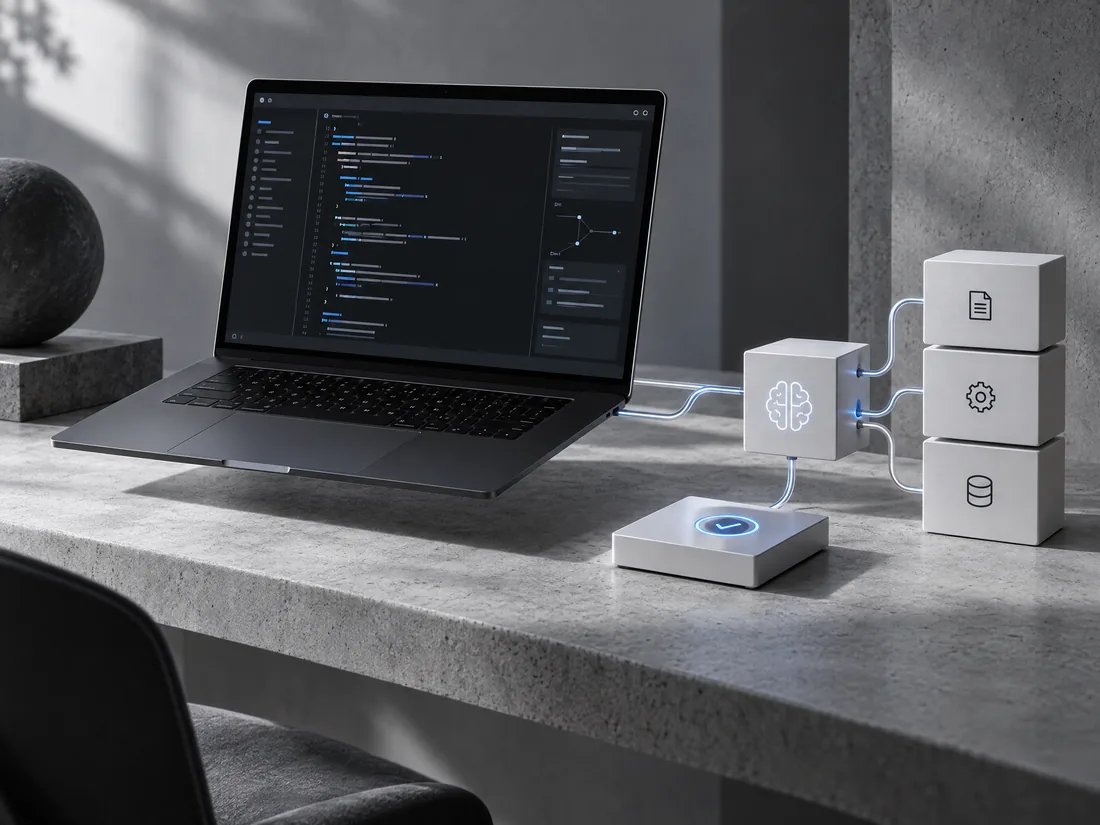
02 / Build · Full-stack execution
Turn a brief into working software.
Bring a project into a guided coding workspace. The agent can inspect your code, make focused changes, run bounded checks, and show what changed while you stay in control of the files and decisions.
Open BuildBuild workspaceNeursenAI
What you can do
Everything for Build, in one focused workspace.
- Import an existing project from your computer or a connected GitHub repository.
- Browse, edit, and save project files beside the agent's work.
- Choose an available coding model or let automatic selection match the task.
- Ask the agent to inspect the codebase and plan focused changes before editing.
- Run supported commands and tests through an isolated, bounded execution runner.
- Review changed files and the agent's explanation of its implementation.
- Keep project notes and run history available as work continues across tasks.
- Use preview and validation steps to catch issues before treating a change as complete.
A simple flow
From first thought to finished work.
- 01
Open a project
Import a repository or create a project workspace.
- 02
Describe the change
Explain the outcome you need and let the agent inspect the code.
- 03
Review and validate
Inspect edits, run checks, and decide what to keep.