A quieter way to work with AI

One workspace.
Four ways forward.

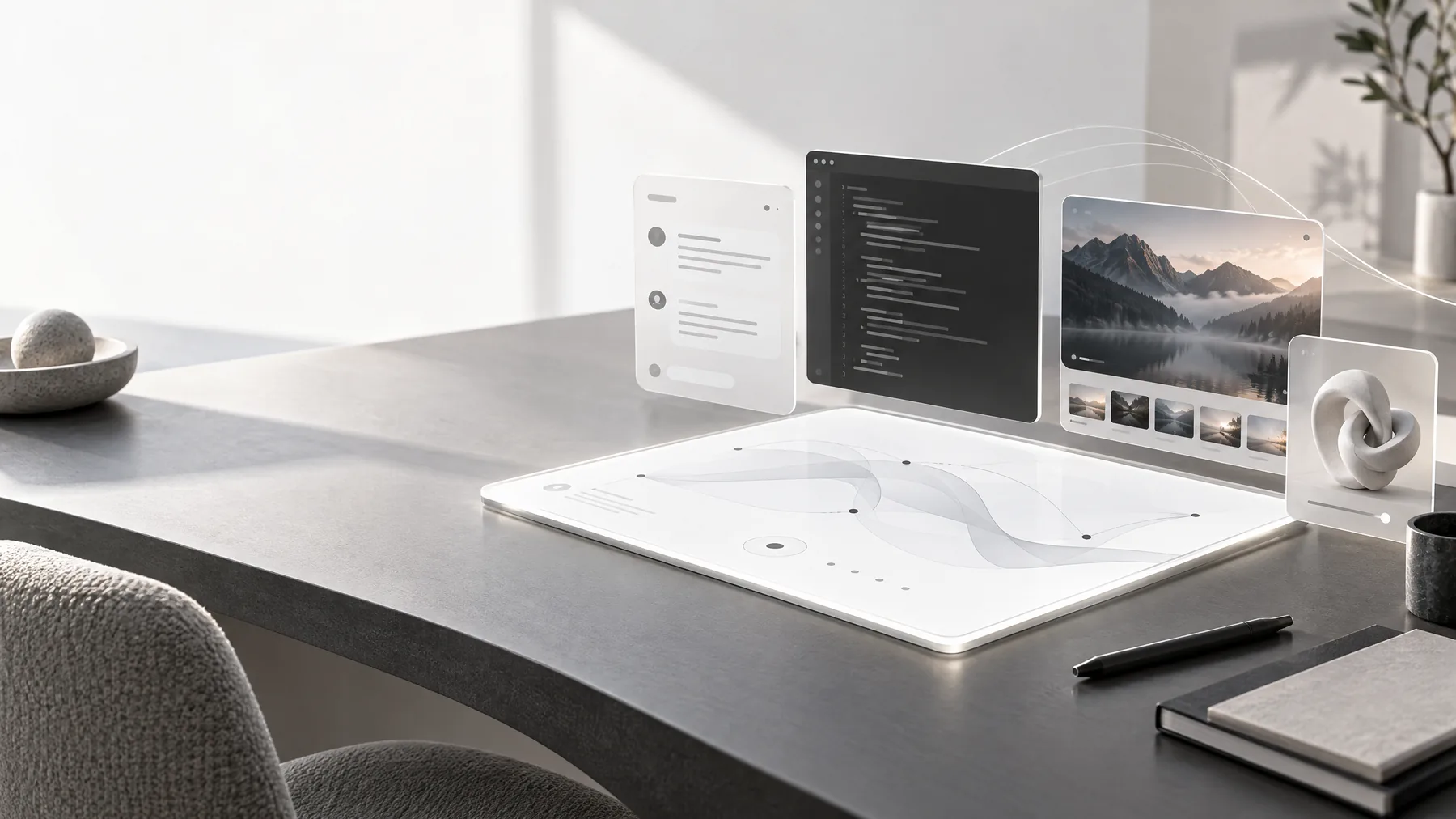
NeursenAI brings Chat, Build, Image, and 3D Design into one considered workspace—so your context stays close while your work changes shape.

737

Enabled model catalog

Models. One workspace.

694 chat36 voice7 image
History stays connected Voice and files included

04

work modes

01

shared workplace

∞

ways to iterate

24/7

saved context

From signal to outcome

The work changes shape. Your workspace does not.

Most projects do not stay inside one medium. A question becomes a plan, the plan becomes a prototype, the prototype needs a visual direction, and the visual turns into an asset. NeursenAI keeps that sequence close enough to feel like one motion.

01

Think

Ask, listen, compare, and make the first decision with context.

02

Make

Build the thing, shape the image, or turn a description into form.

03

Move

Save the outcome, share the direction, and continue without reset.

The workplace

Different work needs different tools. Your context should not have to move.

Each mode has its own controls and strengths, but all four live beside the same history, account, and creative momentum.

01 / Chat

Think out loud. Get a better answer.

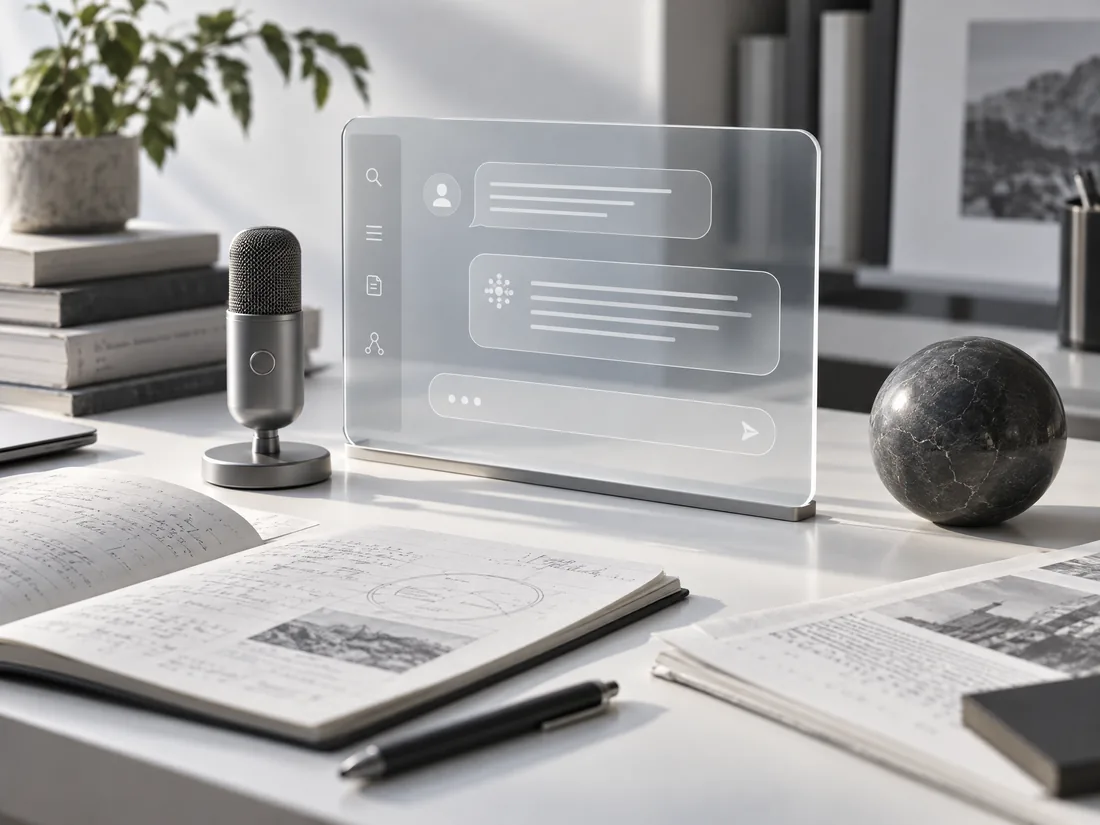
Chat is the everyday core of NeursenAI: a focused place to ask questions, shape ideas, review documents, and move from a rough thought to a useful result without opening another tool.

730Chat & voice models
  • Switch between Chat and voice models without losing context.
  • Attach PDFs, spreadsheets, screenshots, and images when the answer needs evidence.
  • Compare multiple model responses side by side, then keep the strongest direction.
  • Use voice input when speaking is faster than typing and keep a searchable history.
Open ChatExplore Chat
A calm AI conversation workspace with notes and a microphone
01 / ChatNeursenAI workspace
02 / Build

Turn a brief into working software.

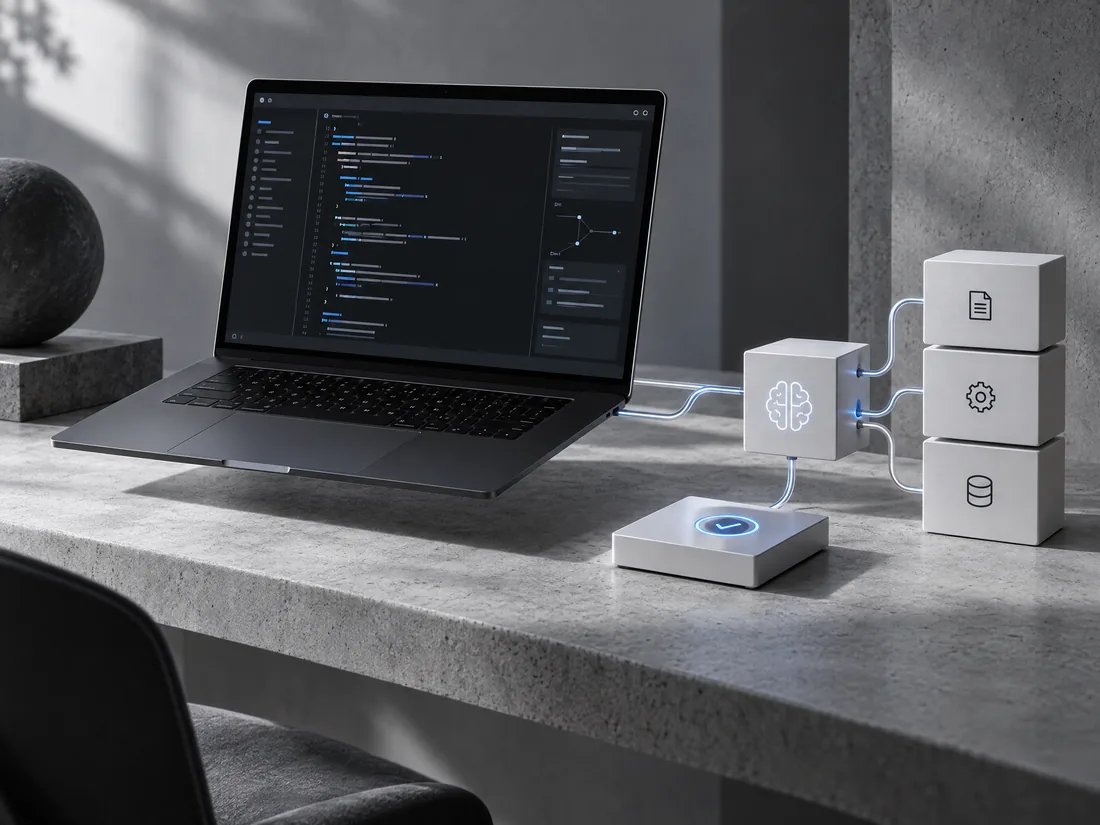
Build brings a full-stack coding agent into the same workplace. Give it a goal, choose a project, and let it inspect the codebase, plan focused edits, run checks, and report what changed.

  • Import a project from your computer or GitHub into a controlled workspace.
  • Browse, edit, and save files manually beside the agent's work.
  • Run bounded commands and tests through an isolated execution runner.
  • Use project notes and run history so each task starts with useful context.
Open BuildExplore Build
An AI coding workspace connecting abstract code with modular software blocks
02 / BuildNeursenAI workspace
03 / Image

Make the visual direction tangible.

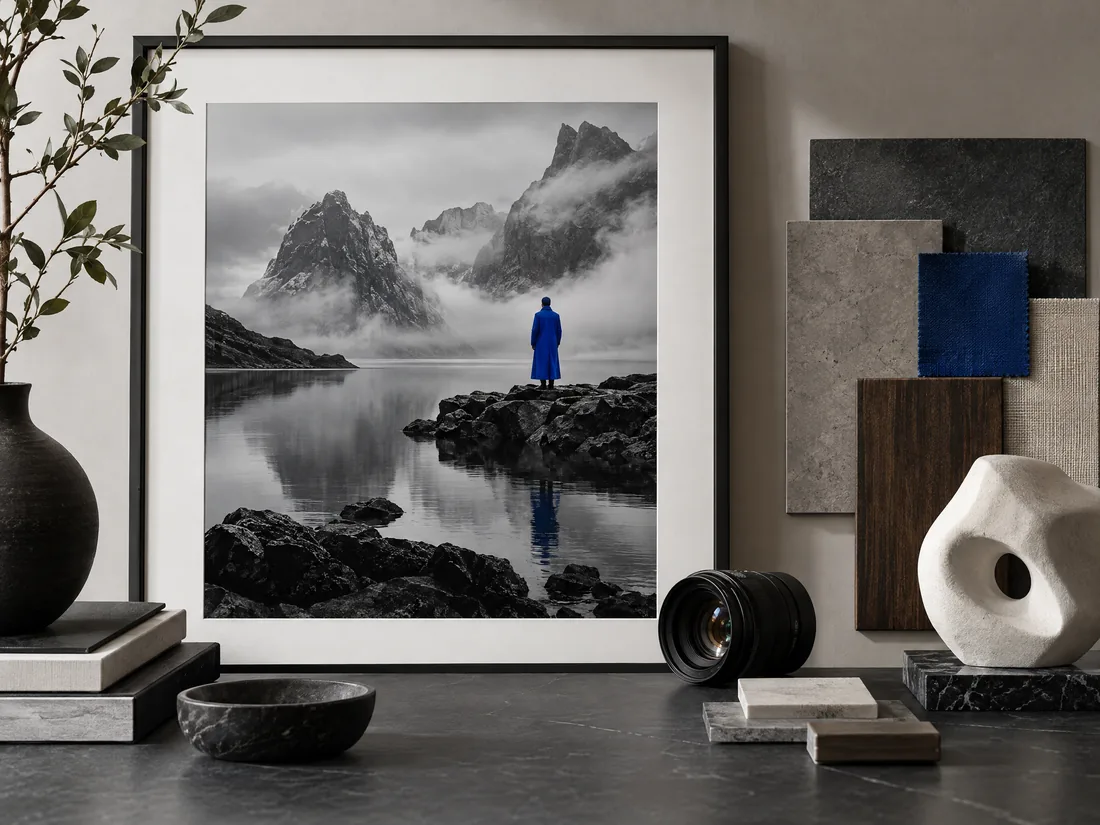
Image mode turns a clear prompt into a visual starting point for campaigns, product concepts, editorial work, and creative exploration. It stays beside your conversation context instead of becoming a separate product.

  • Choose from the image models available to your account.
  • Describe composition, mood, materials, framing, and visual references in plain language.
  • Iterate quickly by changing the prompt while keeping the creative direction close.
  • Use generated results as references for writing, product planning, or design reviews.
Open Image StudioExplore Create
An art direction desk with a generated monochrome landscape
03 / ImageNeursenAI workspace
04 / 3D Design

Move from an idea to an asset.

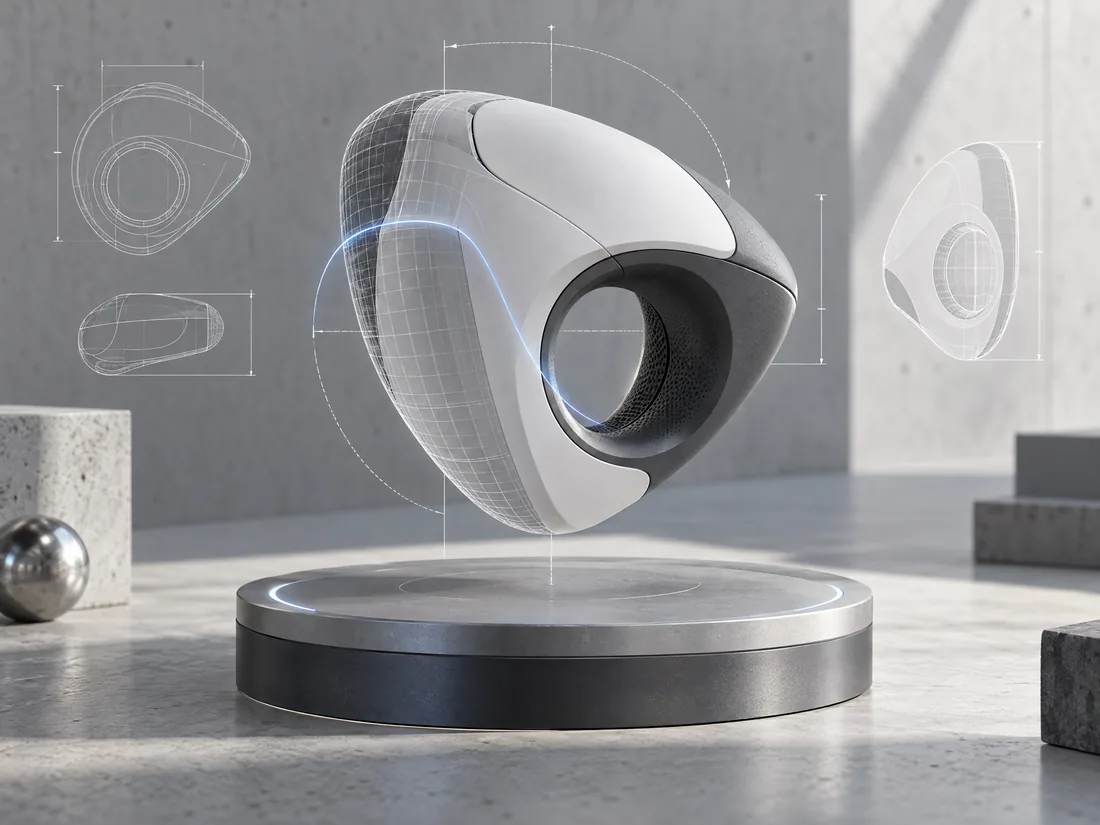
3D Design adds a practical asset-creation surface to the same workspace. Start with a description, one reference image, multiple views, or your voice, then refine and download the formats your project needs.

  • Create a mesh preview from text, then refine it with textures and PBR maps.
  • Use one image for a fast conversion or multiple views for better object coverage.
  • Speak a concept, review the transcription, and edit the prompt before creation.
  • Download common production formats including GLB, FBX, OBJ, USDZ, and STL.
Open 3D DesignExplore 3D Design
A precise 3D object with wireframe projection on a turntable
04 / 3D DesignNeursenAI workspace

One continuous flow

Start anywhere. Keep moving.

The point is not to use more AI. It is to remove the friction between the thing you are thinking about and the thing you need to finish.

  1. 01

    Choose a mode

    Start with the kind of work in front of you: conversation, code, image, or 3D.

  2. 02

    Bring your context

    Add files, a project, a reference image, a voice note, or simply a sharp prompt.

  3. 03

    Work in the same thread

    Switch directions without losing your history or opening a second product.

  4. 04

    Leave with an outcome

    Keep an answer, a tested change, a visual direction, or a downloadable asset.

Designed for real work

Calm on the surface. Serious underneath.

NeursenAI is built for the full arc of a project: the question before the plan, the plan before the code, the visual before the launch, and the asset after the idea becomes real.

Create your workspace
01

One calm workspace instead of four disconnected tools

02

Model choice stays visible when it matters, without cluttering the work

03

Voice, files, memory, history, and usage controls are built into the flow

04

Build execution is bounded and isolated rather than running loose on your machine

The model layer

Bring the right intelligence to the moment.

Explore 737 enabled models across Chat, Voice, and Image. Your plan and provider configuration determine which models you can use.

Browse all models

730

Chat + voice models

7

Image models

737

Enabled models total

Simple plans

A plan for the way you work.

Chat, Build, Image, and 3D Design live in the same account. Pick the allowance that fits your pace and keep your workflow intact.

Questions, answered.

The next move is yours

Make the work smaller. Make the outcome bigger.

Open one workspace for the question, the code, the image, and the asset waiting on the other side.